
| 일 | 월 | 화 | 수 | 목 | 금 | 토 |
|---|---|---|---|---|---|---|
| 1 | ||||||
| 2 | 3 | 4 | 5 | 6 | 7 | 8 |
| 9 | 10 | 11 | 12 | 13 | 14 | 15 |
| 16 | 17 | 18 | 19 | 20 | 21 | 22 |
| 23 | 24 | 25 | 26 | 27 | 28 | 29 |
| 30 | 31 |
- 클로드코드
- claudecode
- NonDeveloperCoding
- productivity
- FutureofWork
- promptengineering
- GenerativeAI
- CitizenDeveloper
- AICreativity
- WorkplaceWellness
- ai에이전트
- claudeai
- 직장인ai
- aiproductivity
- 업무자동화
- WorkplaceAutomation
- HRTECH
- 직장인ai활용
- CreativeThinking
- AIAdoption
- 엑셀VBA자동화
- ChatGPT
- chatGPT활용법
- HRAutomation
- workplaceAI
- vibecoding
- notebooklm
- Anthropic
- AISkills
- AI workplace
- Today
- Total
GoodTechAI
How I Used AI to Organize 15,000 Music Files and Batch-Convert 30 Videos in Under 30 Minutes 본문
How I Used AI to Organize 15,000 Music Files and Batch-Convert 30 Videos in Under 30 Minutes
GoodTechAdviser 2026. 3. 7. 08:30- Why We Keep Postponing File Cleanup
- Case 1: Scanning 15,000 Music Files for Duplicates in 20 Minutes
- Case 2: Renaming 30 Training Videos and Extracting MP3 Audio
- A Beginner's Guide to AI-Powered File Management
- Start With Your Messiest Folder
- FAQ
[Insert image: hero_image.png]

My external hard drive flashed a red warning: "Storage almost full." As a classical music enthusiast, I had collected 15,000 high-quality audio tracks over 18 years. Different performers playing the same piece, remastered editions, files I could not even remember downloading. Checking each one manually would have taken weeks.
So I handed the job to AI. The result: 700GB of duplicate files identified in 20 minutes. In this post, I share two real cases of large-scale file management -- from my experience as a Korean HR professional who uses AI tools daily. No coding knowledge required.
Why We Keep Postponing File Cleanup
Digital files accumulate faster than we can organize them. That is a universal truth, whether you work in Seoul or San Francisco.
According to a 2025 ClickUp study, office workers spend roughly 60% of their work hours searching for information. File hunting, folder diving, the eternal "where did I save that?" moment. Another finding: 80% of people feel stressed by disorganized digital files.
In Korea, where I have spent 18 years in HR, managing thousands of personnel documents taught me that file organization is productivity. Yet my personal files kept growing unchecked -- until my music library hit 15,000 tracks.
The real issue is not volume alone. A 2024 Veritas report found that 20-30% of personal storage consists of duplicate files. My hard drive was no exception.

Case 1: Scanning 15,000 Music Files for Duplicates in 20 Minutes
This happened in October 2025. The storage warning on my external drive finally pushed me to act.
I opened Claude Code and typed a single sentence:
"Scan my external hard drive for duplicate music files."
Claude Code automatically generated and executed a Python script. I did not write a single line of code. I just asked in plain language.
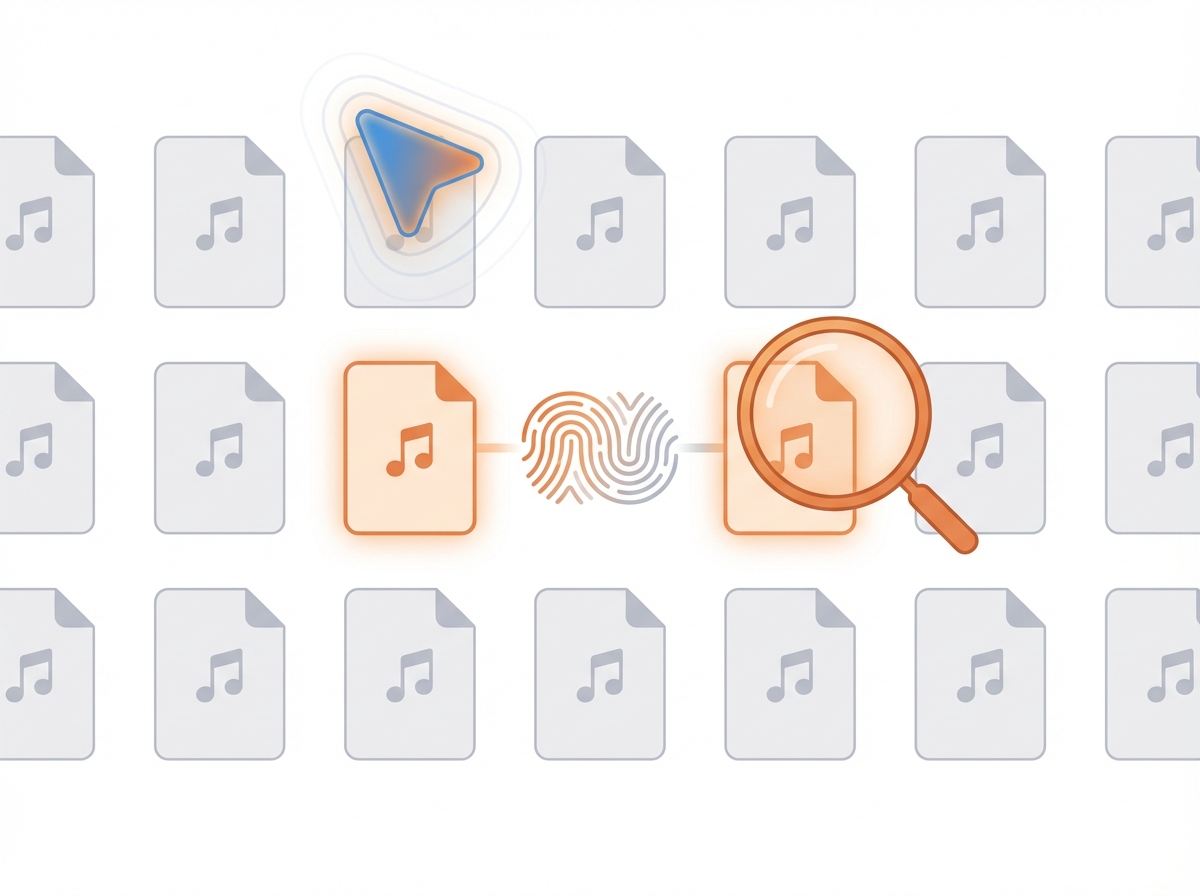
Here is how it works: the script computes a hash value -- essentially a digital fingerprint -- for every file. Even when file names differ, identical content produces the same hash. This is how it caught duplicates like "Beethoven_Symphony_No9.flac" and "beethoven_sym9_remaster.flac" -- different names, same audio data.
The results genuinely surprised me.
- Total scan time: 20 minutes
- Duplicate files found: 700GB
- Storage reclaimed after cleanup: ~50%
Doing this manually would have meant opening each file, listening, comparing. For 15,000 tracks, that is weeks of work. AI finished it in 20 minutes.
I then asked Claude Code to convert high-quality FLAC/WAV files to MP3 and standardize all file names into a "Composer_Title_Performer" format. Done automatically.
| Task | Before (Manual) | After (AI Automation) |
| Duplicate detection | Open and compare one by one -- weeks | Hash-based auto-scan -- 20 min |
| Duplicate inventory | No way to know how many or where | 700GB list + automated report |
| Format conversion | Feed files into converter one at a time | FLAC/WAV to MP3 batch conversion |
| File naming | Rename 15,000 files by hand | Bulk standardization: Composer_Title_Performer |
Case 2: Renaming 30 Training Videos and Extracting MP3 Audio
That same October, another file management challenge came up.
At my company in Korea, I had 30 corporate training videos saved on my drive. The problem: every file was named with cryptic codes like "A-1," "A-2," "B-1." There was no way to tell which training course each file belonged to without opening it.
I combined two tools for this workflow.
Step 1: Collect course names I used Comet Browser to scrape the official course titles from the training website. This gave me a mapping like "A-1 = Leadership Fundamentals, Lecture 1."
Step 2: Batch rename files I told Claude Code: "Match these code names to the course titles and rename all files." A Python script renamed all 30 files in seconds.
Step 3: Extract MP3 audio "Extract audio from these videos as MP3 files." That single sentence triggered audio extraction from all 30 videos. Total time: 7 minutes.
But the workflow did not stop there. I fed the extracted MP3s into Clova Note (a Korean speech-to-text tool) to generate transcripts, then analyzed those transcripts with Google NotebookLM and Lilys AI. One cleanup session turned into a full content repurposing pipeline.

A Beginner's Guide to AI-Powered File Management
"How do I actually get started?" -- this is the question I hear most when I teach AI workshops at Korean companies.
My top advice: pick your single messiest folder. Trying to organize everything at once guarantees you will never start.
Step 1. Choose your target folder External hard drive, Downloads folder, photo library -- pick whichever is most chaotic.
Step 2. Give Claude Code a plain-language command Say something like: "Find all duplicate files in this folder." Claude Code writes and runs the script for you.
Step 3. Review results and decide Check the duplicate file list. Decide what to delete and what to keep.
One critical rule: Always back up first. Even when AI identifies duplicates, a human should make the final call. I personally moved flagged files to a separate folder and waited a week before deleting anything.
| Step | Action | Time Required |
| Prep | Select target folder + create backup | 10 min |
| Execute | Give Claude Code a natural language prompt | 1 min |
| Wait | AI generates and runs the script | 5-20 min |
| Review | Check the report + decide what to delete | 10-30 min |
Start With Your Messiest Folder
Both projects share the same lesson: describe what you want in plain language, and AI writes and executes the code. No programming skills needed.
Organizing 15,000 music tracks took 20 minutes. Renaming 30 videos and extracting MP3s took 7 minutes. Tasks that would have consumed days were completed in minutes. And the value does not end with cleanup -- it extends into conversion, transcription, and analysis workflows.
You do not need a grand plan. Look at your external drive, Downloads folder, or photo library right now. Pick the messiest one. Say "organize this folder for me." That single sentence is your starting point.
One folder at a time.


