
| 일 | 월 | 화 | 수 | 목 | 금 | 토 |
|---|---|---|---|---|---|---|
| 1 | 2 | 3 | 4 | 5 | ||
| 6 | 7 | 8 | 9 | 10 | 11 | 12 |
| 13 | 14 | 15 | 16 | 17 | 18 | 19 |
| 20 | 21 | 22 | 23 | 24 | 25 | 26 |
| 27 | 28 | 29 | 30 |
- 엑셀VBA자동화
- vibecoding
- 직장인ai활용
- WorkplaceAutomation
- AISkills
- HRAutomation
- claudecode
- WorkplaceWellness
- chatGPT활용법
- notebooklm
- 직장인ai
- GenerativeAI
- claudeai
- aiproductivity
- promptengineering
- CreativeThinking
- AIAdoption
- AI workplace
- ai에이전트
- 업무자동화
- productivity
- Anthropic
- ChatGPT
- CitizenDeveloper
- NonDeveloperCoding
- AICreativity
- HRTECH
- 클로드코드
- workplaceAI
- FutureofWork
- Today
- Total
GoodTechAI
Claude Code for Non-Developers: How to Automate Work from the Terminal Without Coding (Part 2) 본문
Claude Code for Non-Developers: How to Automate Work from the Terminal Without Coding (Part 2)
GoodTechAdviser 2026. 4. 3. 08:41Table of Contents
1. What Is Claude Code and How Is It Different from Cowork?2. How to Install Claude Code in 5 Steps
3. 5 Prompt Tips for Non-Developers
4. Real-World Automation Cases
5. Pricing: Is $20/Month Enough?
6. Limitations You Should Know
7. FAQ

What Is Claude Code and How Is It Different from Cowork?
I remember the first time I opened a terminal window. A black screen with a blinking cursor. Nothing else. It felt like touching the wrong thing would break my computer. So I closed it. I was an HR professional -- terminals were not for people like me.
That changed the moment I typed claude and pressed Enter.
Bloomberg reported that AI coding agents are triggering a "productivity panic" across the tech industry -- and adoption is spreading beyond developers to non-technical professionals (Bloomberg, February 2026).
If Cowork is "using an app to give AI instructions," Claude Code is "talking to AI directly through the terminal to create, modify, and automate files." You still use plain language. The difference is scope.
| Feature | Cowork | Claude Code |
| Interface | Web/app UI | Terminal (CLI) |
| File manipulation | Limited | Create, edit, delete directly |
| Integrations | Basic | 10+ MCP (Slack, Notion, etc.) |
| Automation | Simple tasks | Complex multi-step workflows |
| Best for | AI first-timers | Ready to open a terminal |
The word "terminal" stops many people. But once you open it, it is just a conversation window. Type "organize these files for me" in plain English and it works.

How to Install Claude Code in 5 Steps
Prerequisite: Claude Pro ($20/month) or higher. Free plan does not support Claude Code.
| Step | Action | Command |
| 1 | Subscribe to Pro/Max | claude.com/pricing |
| 2 | Open Terminal | Cmd+Space, search "Terminal" |
| 3 | Install Homebrew | Paste from brew.sh |
| 4 | Install Claude Code | brew install claude-code |
| 5 | Log in | claude login |
Windows: Install Git for Windows first, then follow the same steps. Full feature parity.
Tip: If the terminal feels intimidating, use VSCode's integrated terminal. After installation, type claude -- that one word is your first milestone.

5 Prompt Tips for Non-Developers (From the Creator)
From Boris Cherny, creator of Claude Code (Source: gpters.org, 2026):
1. Start with Plan mode
Type /plan and Claude Code shows its plan before executing. Approve or modify. The easiest way to prevent mistakes.
2. Use /clear between major tasks
Long histories slow responses. /clear resets the context. Make it a habit at each task boundary.
3. Undo with Esc Esc
Press Escape twice to roll back via Checkpoints & Rewind. Note: changes after the rollback point are permanently lost.
4. Be specific with natural language
Strong: "Sort Excel files in this folder by date, create monthly folders, and move files accordingly"
5. Create a CLAUDE.md file
Save recurring rules ("Always respond in English," "Keep reports under one A4 page"). Claude Code reads it automatically every session -- like onboarding notes for a new team member.
Real-World Automation Cases for Office Professionals

If you work in HR, you know this scenario: end-of-month training completion reports. Opening dozens of Excel files, checking names, departments, and completion status by eye.
I told Claude Code: "There are Excel files in this folder. Read the name, department, and completion status columns from each file, merge them into one, and create a separate sheet listing everyone who hasn't completed training." Minutes later, done.
| Task | Before (Manual) | After (Claude Code) |
| Excel data aggregation | Copy-paste across files | Auto-read folder, merged file |
| Report draft | 2-3 hours template filling | Auto-generate from data |
| File organization | Move files one by one | Auto-sort by date/name |
| Email drafts | Write each from scratch | Template-based auto-generation |
| Job postings | Write each JD from scratch | Auto-variation from existing JDs |
Reported results: document creation 60% faster, communication errors 25% lower, and 90% savings vs. outsourcing in some cases (retn.kr, 2026).
Pricing: Is Pro at $20/Month Enough?
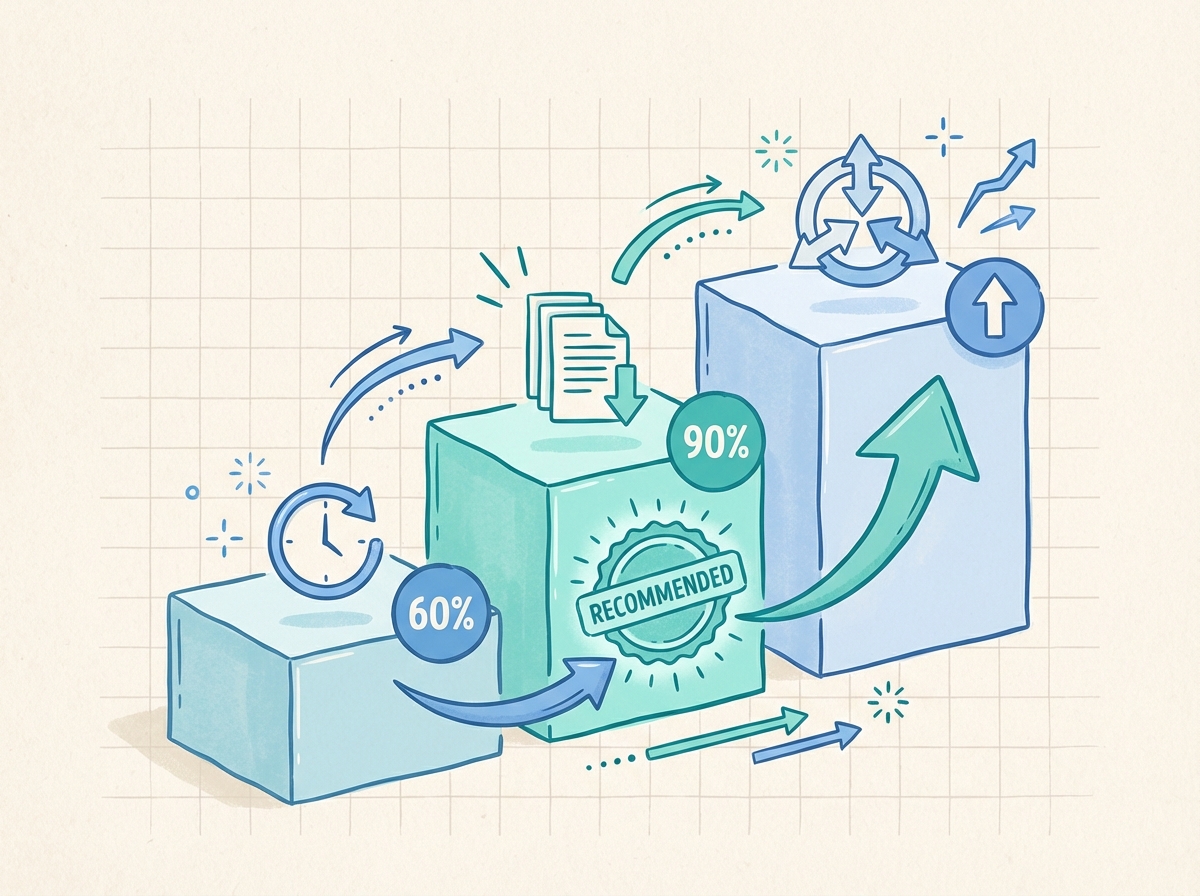
| Plan | Price | Claude Code | Best For |
| Free | $0 | Not available | -- |
| Pro | $20/mo | Available | Recommended entry |
| Max 5x | $100/mo | Available | 4+ hrs daily |
| Max 20x | $200/mo | Available | Power users |
| API | Variable | Available | Caution: cost spikes |
For non-developers, Pro at $20/month is the right starting point. API pay-per-use can spike unpredictably -- one complex hour reportedly cost $100. Start flat-rate.
Limitations You Should Know Before Starting
Think of Claude Code as a "junior team member." Great work with clear instructions, but critical outputs need human review.
1. Always review outputs -- reports, contracts, and important documents need human verification.
2. Rewind is irreversible -- Esc Esc rollback permanently deletes later changes. Copy files first.
3. Permission prompts -- Claude Code asks before modifying files. Inconvenient but protective.
4. Account suspension risk -- stay within official terms of service.
Frequently Asked Questions
Q. Do I need to learn coding to use Claude Code?
A. No. Claude Code accepts natural language instructions. You need to open a terminal and understand basic folder structures, but no coding knowledge is required.
Q. How is Claude Code different from ChatGPT or the regular Claude app?
A. ChatGPT and the Claude app operate in a chat window. Claude Code runs in your terminal and can directly read, modify, create, and delete files on your computer.
Q. Is my company data safe when using Claude Code?
A. Claude Code processes through Anthropic's servers. Check your company's security policy first and start with test data.
Open the Terminal. Just Once.
The terminal screen is no longer black and intimidating. Type claude and a conversation window appears. Type "organize these files for me" in plain English and it works.
You did not learn to code. You learned to talk to AI from a different window.
If Part 1 introduced Cowork, Claude Code is the next door. You do not need to stand in front of it for long. Open a terminal today. Just once.


